What the file checks can measure
A filename that says transparent or 300 DPI proves nothing about the pixels inside. Listsy opens the final PNG and checks the image itself before the file can move into the buyer package.
The table below carries the technical detail: dimensions, color mode, transparency, density metadata, and clear corners. These checks describe one square raster product. They do not turn a PNG into a vector file, preserve editable layers, or guarantee a physical print size on every machine.
| Property | Listsy requirement | Why it matters |
|---|---|---|
| Dimensions | 3000 by 3000 pixels | Defines the delivered raster canvas |
| Color mode | RGBA | Keeps color and alpha channels together |
| Alpha | Transparent and opaque pixels present | Confirms real transparency, not a flat preview |
| Density | 300 DPI metadata | Records intended print density without changing pixel count |
| Corners | Transparent | Catches a full opaque background |
Check PNG edges against different backgrounds
Alpha defects can disappear on one background and become obvious on another. Listsy creates checker, green, pink, black, and white views, plus an alpha mask and edge close-up. The same final PNG is placed over each proof background.
Green and pink are useful because they expose pale and dark halos differently. The alpha mask shows where pixels are partly transparent. The edge close-up helps a reviewer see leftover background color or an overly aggressive cutout.
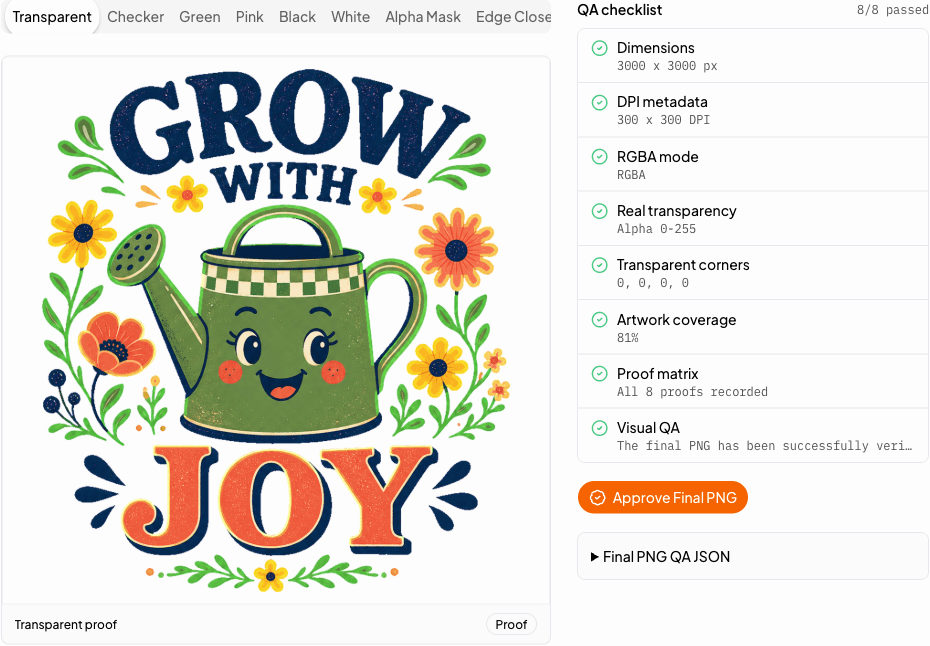
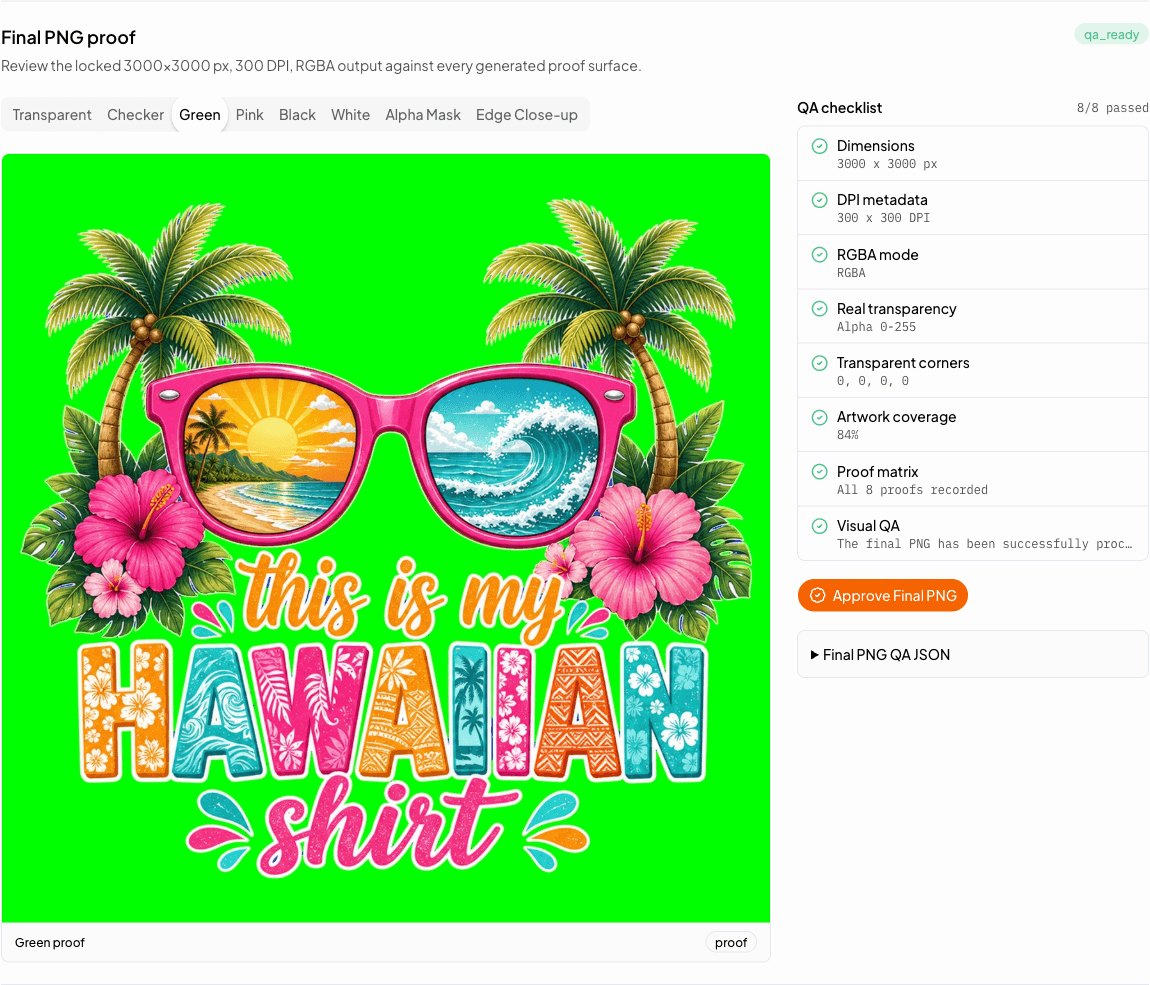
- Checker proof shows the shape of transparent areas.
- Green and pink proofs reveal color spill and missed background pixels.
- Black and white proofs test both dark and light presentation.
- Alpha and edge proofs isolate transition quality.
Listsy checks the file again after extracting the ZIP
A valid source PNG can still be packaged incorrectly. Listsy builds the ZIP, lists its entries, rejects hidden prompts and source images, extracts the archive, and reads the delivered PNG again. This catches missing files, unexpected files, corrupt archives, and a package that exceeds the configured limit.
The README should name the product, explain that no physical item is shipped, describe the PNG facts, and give basic download and unzip instructions. It should not promise software compatibility that has not been tested.
What file QA cannot tell you
File QA can prove that the delivered file matches a technical specification. It cannot prove that the design is original, lawful, commercially strong, suitable for every production method, or likely to sell.
A seller should still inspect the artwork at full size, test the file in the intended workflow, confirm rights to the content, and describe the product accurately. The check is useful because it narrows uncertainty, not because it removes every decision.
Practical questions
Sources checked
Policy and marketplace details can change. These are the pages used for this review. Check Etsy directly before making a listing decision.