Seller-directed digital product workflow

From product idea to Etsy draft, automatically.

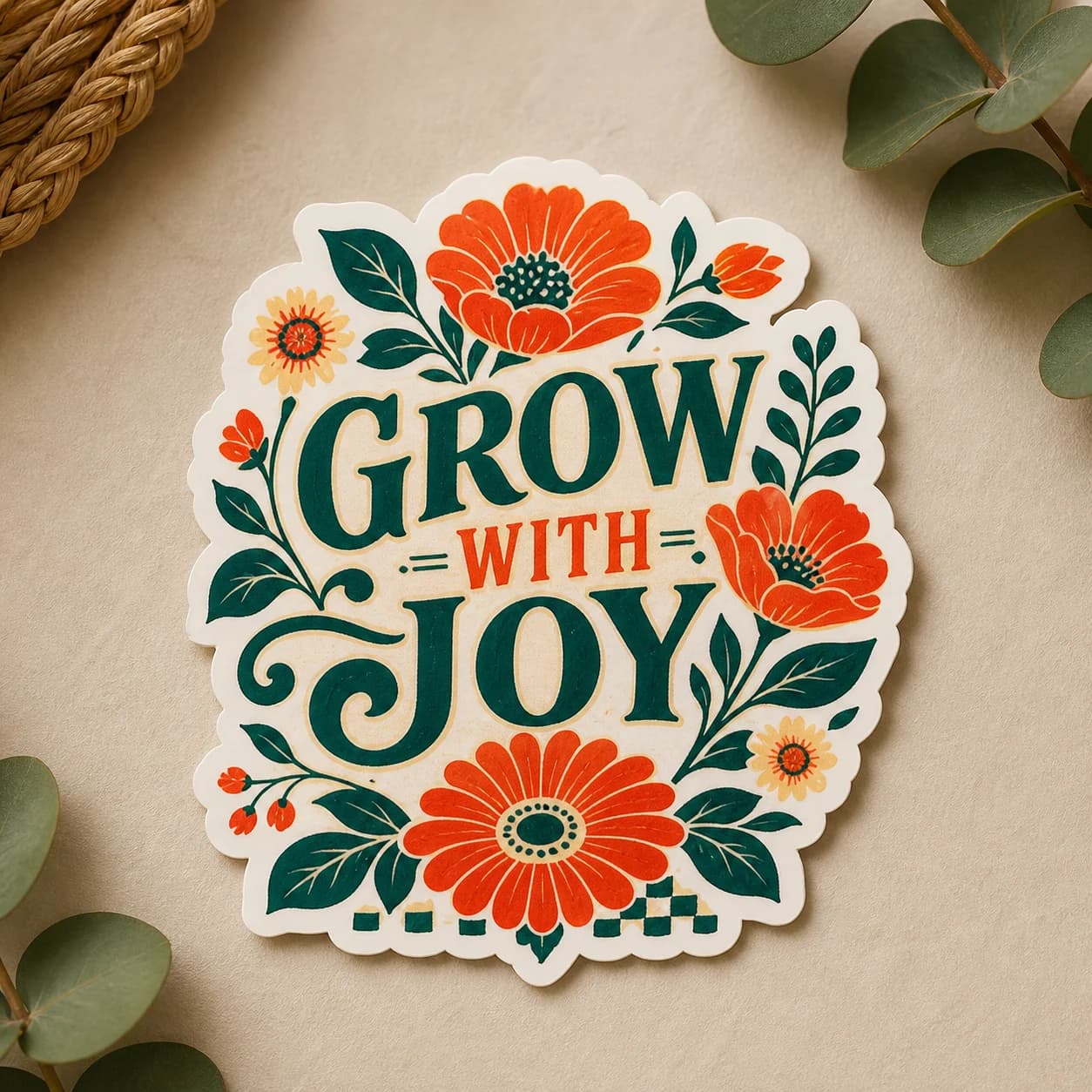
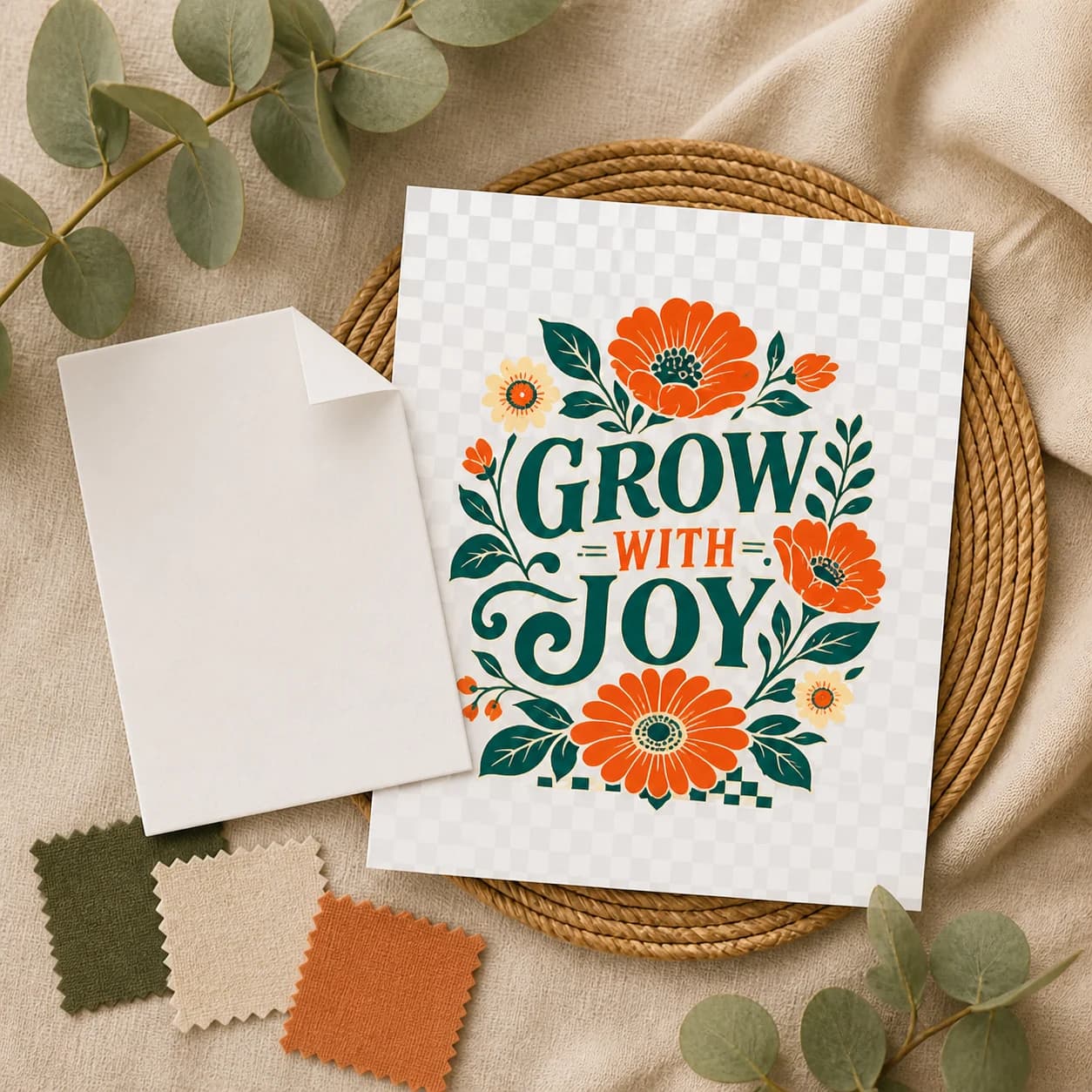
Bring the product idea. Listsy generates artwork options, turns the designs you choose into downloadable transparent PNGs, builds the listing gallery and editable copy, then uploads the finished package to an Etsy draft.

Your draft is ready inside Etsy. You review and publish it yourself.

LISTSY / RUN-0248FACTORY ONLINE
PRODUCT BRIEF /botanical quote PNG · warm editorial style
OUTPUT3000 × 3000300 DPIRGBA
UPLOADED TO ETSY

One product brief. One complete draft uploaded to Etsy.

An animated example shows Listsy turning a product brief into generated artwork, preparing the transparent PNG and buyer files, assembling the listing media and copy, and uploading the completed draft to Etsy. The listing remains unpublished until the seller reviews and publishes it.

Artwork
generated from your brief
PNG + ZIP
product files prepared
1 to 20
seller-selected listing images
Editable copy
title, description, and tags
Where the work piles up

Making the artwork is only half the job.

After the design comes file cleanup, packaging, mockups, copy, Etsy upload, and the final review. Listsy keeps those steps tied to the product you chose.

01

A finished design still needs a buyer-ready file.

The exported PNG needs the right dimensions, real transparency, clean edges, and a package the buyer can open.

02

The gallery has to show the same product.

Mockups can add context, but the design, wording, colors, and delivery claims must stay consistent from image to image.

03

The copy has to match the download.

If the ZIP contains one PNG, the title and description cannot quietly promise an SVG, editable template, bundle, or physical item.

04

The Etsy draft still needs a human decision.

Category, price, rights, disclosure, thumbnail crop, and publication belong to the seller, even when the upload is automated.

Inside Listsy

One product record follows the design all the way to Etsy.

Choose the artwork once. Listsy uses that selection to prepare the PNG, ZIP, gallery, and copy, then puts the package in a draft without publishing it.

01

Artwork from your brief

Describe the subject, style, wording, colors, and buyer. Review the generated options and choose which designs deserve production.

02

Product files prepared

Each selected design becomes a checked transparent PNG, a buyer ZIP, and a gallery built around that same artwork.

03

Uploaded to Etsy

Listsy uploads the files, listing images, and editable copy to an unpublished draft that you open and review in Etsy.

How it works

Describe it. Choose it. Find it in Etsy.

You set the direction and choose the artwork. Listsy handles the production steps between that decision and the uploaded draft.

01
Describe

Describe the product you want to sell.

Add the theme, style, text, and buyer you have in mind. Choose how many artwork options and listing images you want.

Brief ready
02
Choose

Choose the artwork to turn into a product.

Listsy generates artwork from your brief. Pick one or more directions to prepare as separate digital products.

Artwork selected
03
Upload

Find the completed draft inside Etsy.

Listsy prepares the transparent PNG, buyer ZIP, listing images, title, description, and tags, then uploads everything to an Etsy draft.

Draft uploaded
File checks

Inspect the file a buyer will actually download.

Before packaging, Listsy checks the PNG dimensions, DPI metadata, color mode, transparency, and edges. You can see the result before it reaches Etsy.

3000×3000 px300 DPIRGBAReal alphaClean corners
Exposes pale fringe pixels and leftover light backgrounds.
FILE READOUTSAMPLE
Canvas
3000 × 3000
Density
300 DPI
Mode
RGBA
Alpha
VALID

Green proofExposes pale fringe pixels and leftover light backgrounds.

Showing Green proof.

Included in each run

See every deliverable before the listing goes live.

Each selected design becomes its own transparent PNG product, buyer ZIP, listing-image set, editable copy, and unpublished Etsy draft.

output / 01

Generated artwork

Artwork options created from the product brief you provide.

output / 02

Transparent PNG

3000 × 3000 px, 300 DPI, RGBA, with real transparency.

output / 03

Buyer ZIP

The product PNG and a simple README packaged for delivery.

output / 04

1 to 20 listing images

A listing image set built around the product you select.

output / 05

Editable listing copy

A title, description, and tags that you can adjust before publishing.

output / 06

Etsy draft

The completed files, images, and copy uploaded automatically for your review.

You stay in control

Automation does the setup. You keep the judgment calls.

Change the copy, inspect the files and gallery, and review the complete Etsy draft before deciding whether it is ready for your shop.

01

You choose the artwork

A generated option does not become a product until you select it. Unselected directions stay out of the buyer files and Etsy draft.

02

You can change every word

Review the title, description, tags, file claims, and disclosure. The generated copy is a starting point, not a locked answer.

03

You publish from Etsy

Listsy stops after uploading the draft and checking that the expected files and images are attached. Open the listing in Etsy, make the final business decisions, and publish it yourself.

From Listsy to Etsy

A run ends where seller judgment begins.

Listsy finishes with an uploaded draft and a link back to Etsy. Price, category, policy review, and publication stay with you.

Describe

Set the product direction.

Tell Listsy what you want to sell and choose the number of artwork and listing-image options.

Generate

Choose the artwork.

Review the generated options and select the designs that should become products.

Upload

Open the finished draft in Etsy.

Listsy uploads the completed draft automatically. Check the files, media, and copy before publishing it yourself.

Simple monthly plans

Choose the capacity that fits your shop.

Every plan uses Fast generation and includes the production workflow through a verified Etsy draft. Credits let you choose the candidate count, listing-image quality and count, and optional video duration for each product.

Starter
For testing product ideas in one shop.
$12/ month

75 credits each month

Up to 60 generated images
10 Core Product Kits with Standard generation
  • Included: 1 Etsy shop, 1 Brand Kit, and 1 active pipeline
  • Optional extra shops: $5/month per extra shop, add up to 1 (2 shops and 2 Brand Kits total)
  • Manual and Assisted approvals
  • Create verified Etsy drafts
  • Standard email support
  • Fast generation for every launch plan
  • Product generation at launch: Standard (2 credits) or High Detail (5 credits) per successful candidate
  • Standard listing images at 1 credit per successful image
  • Enhanced listing images at 2 credits per successful image
  • Optional video at 6 credits per successful generated second for each selected product
  • No charge for technical or provider failures
Pro
For growing sellers ready to automate after selection.
Most Popular
$29/ month

180 credits each month

Up to 150 generated images
25 Core Product Kits with Standard generation
  • Included: 3 Etsy shops, 3 Brand Kits, and 3 active pipelines
  • Optional extra shops: $5/month per extra shop, add up to 2 (5 shops and 5 Brand Kits total)
  • Autopilot after candidate selection
  • Create or refresh verified Etsy drafts
  • Priority email support
  • Fast generation for every launch plan
  • Product generation at launch: Standard (2 credits) or High Detail (5 credits) per successful candidate
  • Standard listing images at 1 credit per successful image
  • Enhanced listing images at 2 credits per successful image
  • Optional video at 6 credits per successful generated second for each selected product
  • No charge for technical or provider failures
Agency
For operators running multiple shops and product queues.
$79/ month

500 credits each month

Up to 426 generated images
71 Core Product Kits with Standard generation
  • Included: 10 Etsy shops, 10 Brand Kits, and 10 active pipelines
  • Optional extra shops: $5/month per extra shop, add up to 10 (20 shops and 20 Brand Kits total)
  • Autopilot after candidate selection
  • Create or refresh verified Etsy drafts
  • Priority email support
  • Fast generation for every launch plan
  • Product generation at launch: Standard (2 credits) or High Detail (5 credits) per successful candidate
  • Standard listing images at 1 credit per successful image
  • Enhanced listing images at 2 credits per successful image
  • Optional video at 6 credits per successful generated second for each selected product
  • No charge for technical or provider failures
Extra Etsy shop
$5/month per extra shop
Pricing preview

Each paid add-on connects one additional Etsy shop and includes one linked Brand Kit. It adds no credits, active pipelines, approval modes, draft actions, automation, or support benefits. The extra shop uses the limits and features included in your current plan.

Starter
1 shop + 1 Brand Kit included
Add up to 1: 2 shops + 2 Brand Kits maximum
Pro
3 shops + 3 Brand Kits included
Add up to 2: 5 shops + 5 Brand Kits maximum
Agency
10 shops + 10 Brand Kits included
Add up to 10: 20 shops + 20 Brand Kits maximum

An active Listsy plan is required. When a downgrade or cancellation lowers your shop allowance, excess shops and their linked Brand Kits stay saved in read-only mode.

Credit packs
Add generation capacity without changing your monthly plan. Packs are available only with an active Listsy subscription.
One-time add-ons
50 credits
One-time purchase
$10
150 credits
One-time purchase
$25

Purchased credits do not expire and remain in the workspace until used.

Up-to image counts use repeated Core Product Kits: one Standard product candidate plus five Standard listing images (7 credits and 6 generated images), with no video and one candidate attempt. Additional candidates, High Detail product generation, Enhanced or additional listing images, selected products, video, and regenerations use more credits. Technical or provider failures are not charged.

On Pro and Agency, Autopilot begins after candidate selection, keeps every quality check, and stops at a verified draft. You always publish manually in Etsy.

Questions, answered

Automatic draft upload, manual publishing.

Listsy puts the completed draft inside Etsy. You review the result and decide when to publish it.

Join the waitlist

Bring the idea. Skip the production pileup.

Join the waitlist for launch updates and an invitation when Listsy opens access.

Manual publishing
File checks before packaging
Artwork generated from your brief
Editable listing copy
Listsy access / waitlist

Join the waitlist

Request an invitation. Existing users can still sign in.

One email. We’ll only send waitlist and launch updates.
Sign in