A gallery that answers three buyer questions
These scene-selector previews illustrate image roles. They are not output from a Listsy run, customer listings, or evidence that a design sells. Use your own approved artwork when you build a real gallery.
First, show the complete design clearly. Next, explain the digital file the buyer receives. Then use a close-up to help them inspect small details. These are useful roles, not mandatory scenes or a fixed Etsy image order.

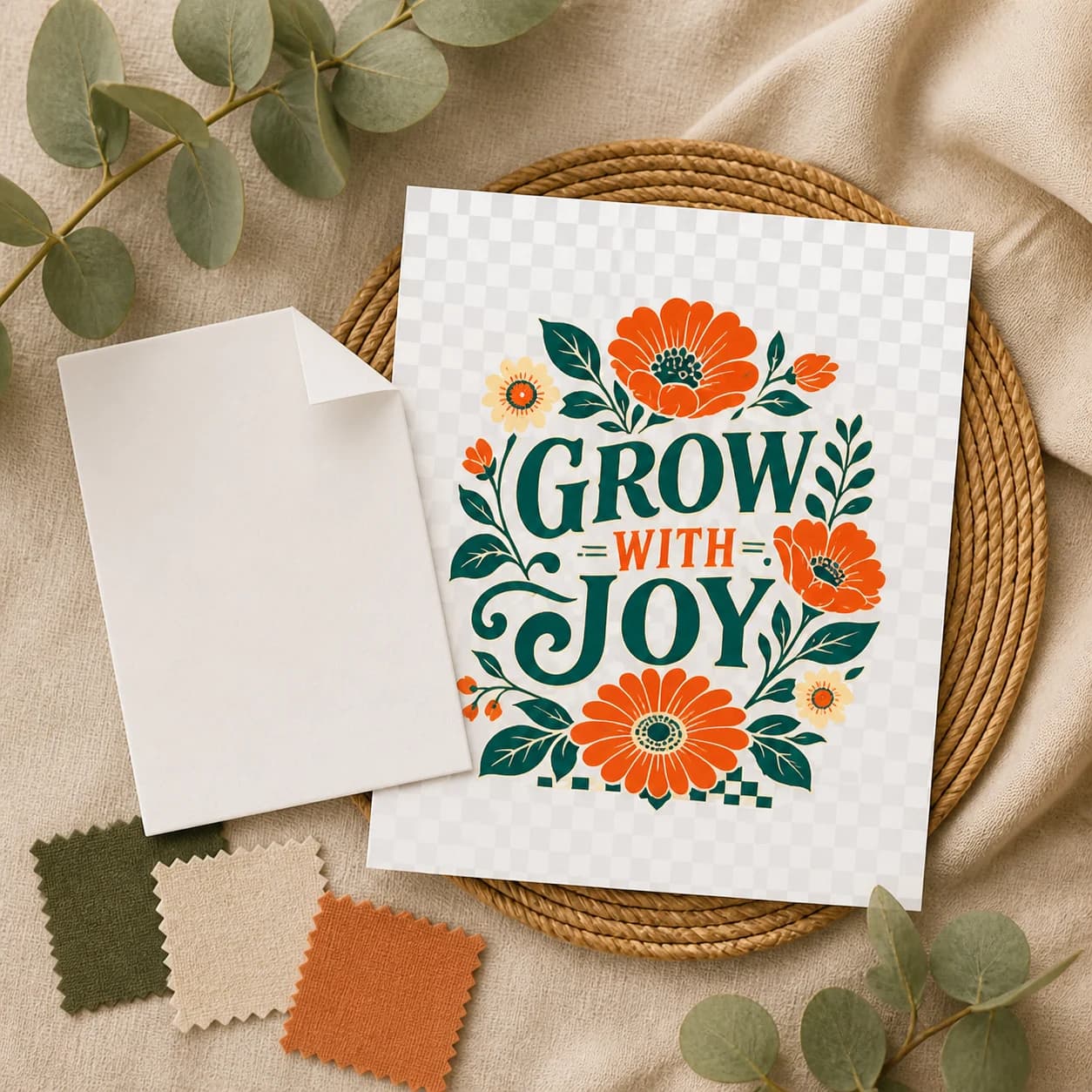
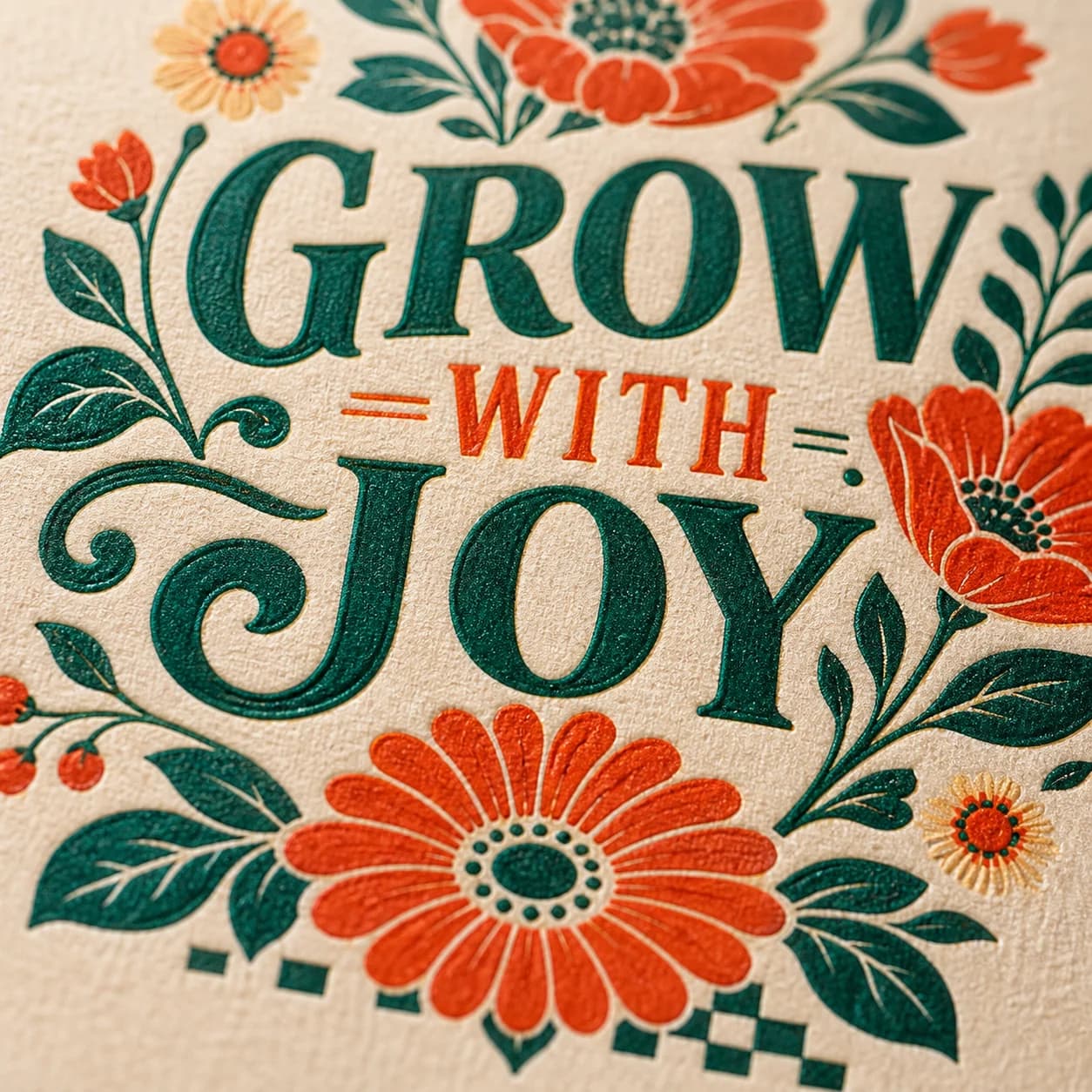
| Buyer question | Review the image | Review the download |
|---|---|---|
| What is the design? | Artwork stays readable in a small crop | The PNG contains that same artwork |
| What do I receive? | Digital-only language, dimensions and format are clear | The ZIP contains the promised PNG and README |
| Can I use it for my project? | Mockups are labeled as possible uses | Only tested compatibility and usage terms are promised |
The buyer file and listing images have different jobs
The transparent PNG is the product the buyer downloads. Etsy's image guidance says transparent PNG is not supported as listing media because transparent regions can appear black. Listsy keeps that buyer file inside the checked ZIP and creates separate flattened listing images for the gallery.
Every gallery image is an opaque 3000 by 3000 pixel JPEG. Listsy checks the artwork's tone, chooses a background with enough contrast, and uses the approved transparent PNG as a locked image-edit source so the design can follow the product's perspective, folds, lighting, and surface texture. A scene can show scale or a possible use, but it must not imply that a physical prop is included in a digital-only purchase.
| Asset | Purpose | Key review |
|---|---|---|
| Buyer PNG | The downloadable product | Dimensions, mode, DPI, transparency, and edges |
| Hero image | Show the design clearly if you choose this scene | Approved artwork, safe crop, strong contrast, and thumbnail clarity |
| Product details card | Explain the file and delivery if you choose this scene | Artwork preview, dimensions, DPI metadata, PNG format, and no-shipping notice |
| Category-diverse mockups | Show a possible use if it fits the product | Approved artwork, varied categories, readable details, and no physical-item claim |
Choose the count and the scenes
Select 1 to 20 photos and choose a different scene for each one. The count and scene list must match. Listsy preselects five scenes: hero, product details, close-up, tablet preview, and desk lifestyle. Change either the count or the scenes before you start. No scene type is mandatory, and the default list is not a required image order.
- A five-scene starting set is preselected, not required. Remove any scene that does not suit the design.
- Avoid duplicate views. A different background alone may not answer a new buyer question.
- Reorder the final gallery in Etsy so the clearest, most accurate image appears first.
| Scene group | Available scenes | Good fit when |
|---|---|---|
| Product clarity | Hero, product details, close-up, material detail | The buyer needs to see the artwork, file facts, or print detail |
| Digital and workspace | Tablet preview, desk scene, craft table | The context matches a real way the buyer may use the design |
| Apparel and objects | T-shirt, sweatshirt, mug, framed poster, tote, phone case, notebook, sticker, canvas, pillow | The pictured object is only a use example, not part of the digital purchase |
| Lifestyle and packaging | Gift scene, packaging flat lay, thank-you scene | The scene does not suggest that a physical package will ship |
The first image needs a clear subject and safe crop
Etsy says the first image can affect whether a shopper clicks. Its current guidance recommends listing photos at 2000 pixels or more in both dimensions and says the first photo should be at least 635 pixels in both dimensions to avoid lower search visibility.
The first photo appears in several crops. Etsy advises keeping the important subject near the center with enough room around it. It also advises against collages and text-heavy promotional overlays in the first thumbnail. Product lettering that belongs to the design is different from an added sales banner, but it still has to remain readable.
- Show one product design, not a contact sheet of options.
- Keep the focal point away from the outer crop area.
- Avoid an added badge, price, sale, or feature list on the hero.
- Preview the actual thumbnail inside Etsy before publishing.
Check each scene against the approved artwork
Listsy uses your approved PNG as the source for each listing scene, then checks the result against the original for changed wording, missing details, distortion, crop, and contrast. Image generation can introduce mistakes. Review the final gallery before upload, especially small lettering and edges.
If you use a Brand Kit logo, the selected treatment guides its placement in the scene. A kraft-paper tag is one option, not a requirement for every image. Choose No logo to omit branding, and reject any scene where the requested logo is missing, altered, or poorly placed.
| Check | Pass condition | Seller question |
|---|---|---|
| Design match | The artwork appears once and matches the approved PNG in wording and visible details | Is this the same file the buyer receives? |
| Text | Required product wording remains readable and unchanged | Can I read it at gallery and thumbnail size? |
| Crop | The product is visible and not cut off | Does Etsy's crop hide any important part? |
| Brand tag | The requested logo treatment is legible and does not obscure the artwork | Is the branding accurate and not misleading? |
| Set integrity | Selected count, distinct scenes, and square frames | Does every image add useful information? |
A mockup is evidence of a use, not proof of policy compliance
Etsy's listing image policy emphasizes accurate representation and image rights. Its digital-download guidance recommends styled images that help a buyer understand what they can make, along with a gallery image that makes the digital format clear.
Listsy can compare a mockup with the product file. It cannot certify that the scene meets every Etsy rule, that you hold all needed rights, or that the first image is the best choice for a particular product. Review the final gallery as the seller of record.
Practical questions
Sources checked
Policy and marketplace details can change. These are the pages used for this review. Check Etsy directly before making a listing decision.