A gallery that answers three buyer questions
These scene-selector previews illustrate image roles. They are not output from a Listsy run, customer listings, or evidence that a design sells. Use your own approved artwork when you build a real gallery.
First, show the complete design clearly. Next, explain the digital file the buyer receives. Then use a close-up to help them inspect small details. These are useful roles, not mandatory scenes or a fixed Etsy image order.

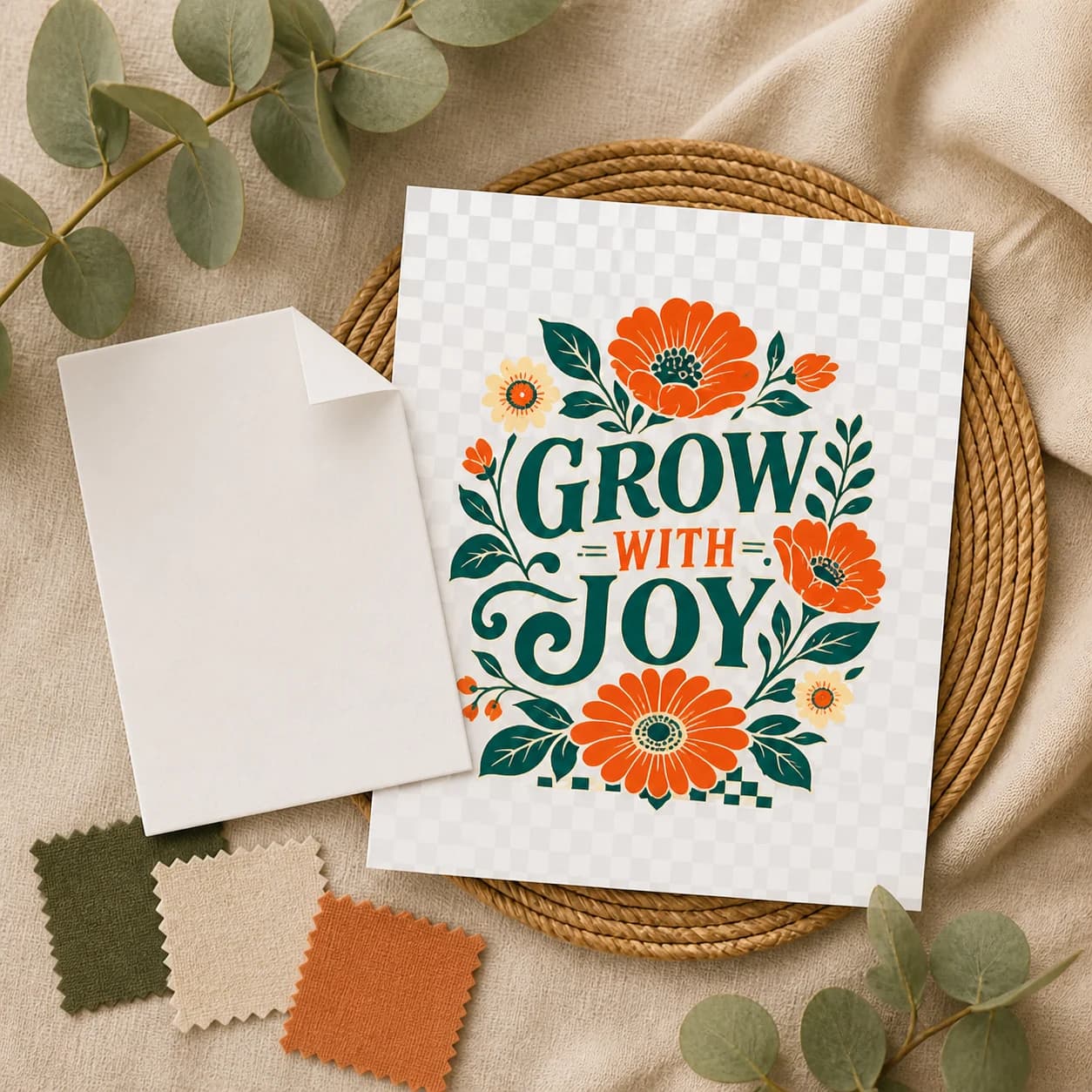
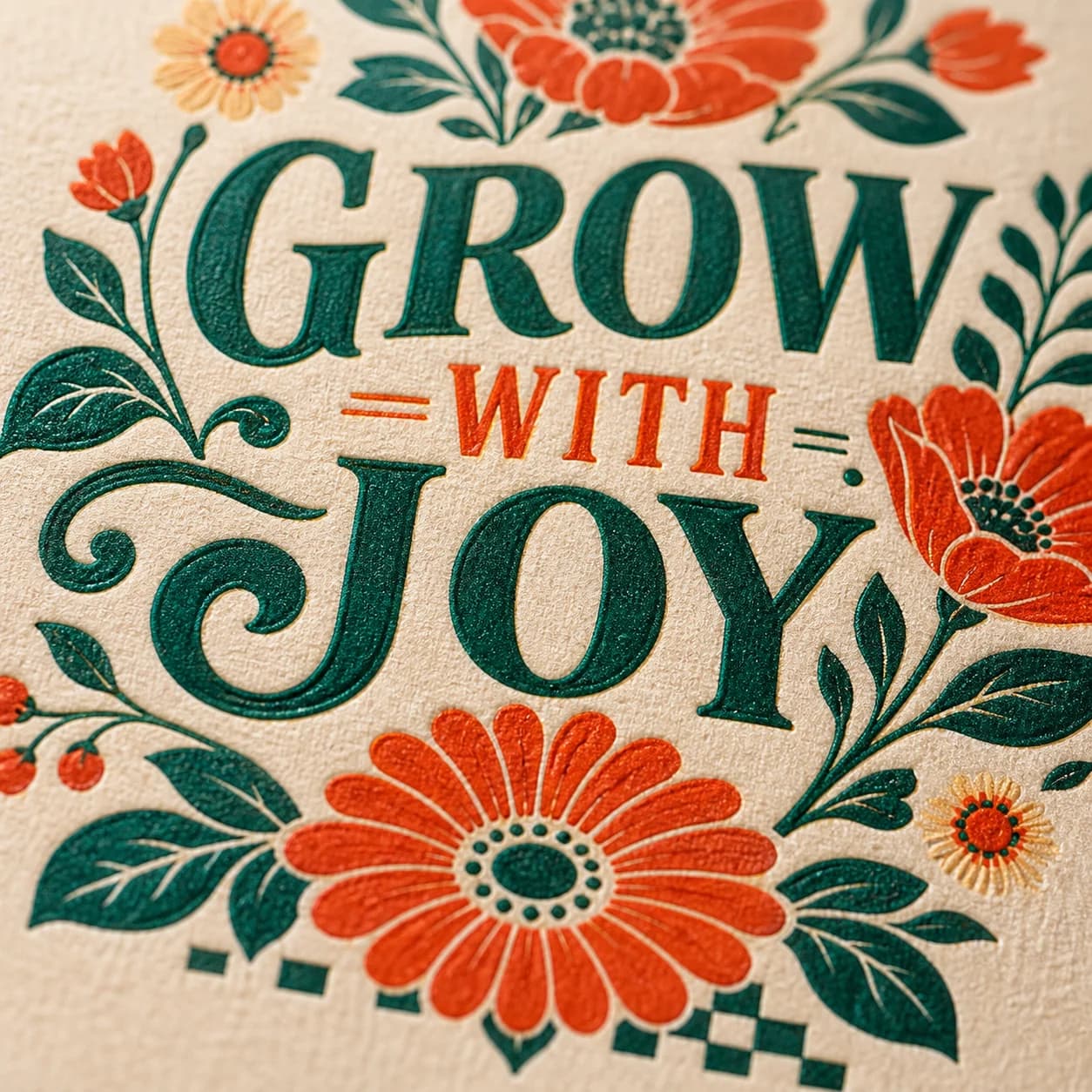
| Buyer question | Review the image | Review the download |
|---|---|---|
| What is the design? | Artwork stays readable in a small crop | The PNG contains that same artwork |
| What do I receive? | Digital-only language, dimensions and format are clear | The ZIP contains the promised PNG and README |
| Can I use it for my project? | Mockups are labeled as possible uses | Only tested compatibility and usage terms are promised |
Give each image one buyer question to answer
A strong gallery is not a stack of decorative scenes. Each image should remove one uncertainty about the product. Plan the set before generating or styling it so the gallery does not repeat the same view while leaving basic file questions unanswered.
| Image role | Buyer question | What to show |
|---|---|---|
| Hero | What is the design? | The approved artwork, shown once and clear at thumbnail size |
| Digital-product details card | What exactly do I receive? | The artwork preview, 3000 x 3000 px, 300 DPI metadata, transparent PNG, and no-shipping notice |
| Close detail | Are the edges and small details clean? | A crop from the approved design |
| Contrast-safe mockup | What might I do with it? | A suitable light or dark printable surface chosen from the artwork tone |
| Category-diverse mockup | Does the set show different useful contexts? | Apparel, mug, framed poster, tote, accessory, or another non-repeating category |
| Included files | What do I receive? | One PNG in one ZIP, plus README |
| Dimensions | How large is the file? | 3000 x 3000 px and the stated format |
| Download note | How do I get the file? | Digital-only and browser download guidance |
Start with Etsy's image rules, then show the product
Etsy currently allows up to 20 photos and up to two videos that are 5 to 15 seconds long. It recommends listing photos at least 2000 pixels wide and high. The first image should be at least 635 pixels in each direction to avoid lower search visibility.
Those numbers do not decide whether an image is useful. Keep the product easy to identify, place the important subject near the center, and leave enough room for Etsy's changing crops. As an editorial check, avoid a main image that is too dark, blurry, crowded, or split into tiny collage panels.
- Preview the first image in Etsy's thumbnail tool.
- Keep important text and design details away from crop edges.
- Use a consistent shape across the gallery when possible.
- Check the image at small size, not only on a large monitor.
- Add descriptive alt text manually when the listing workflow supports it.
Show the actual design before the imagined scene
A digital product image must represent the downloadable design accurately. Listsy uses the approved PNG as the source for each listing scene and checks the result against the original. Inspect the wording, small details, placement, and crop yourself: a styled scene should explain a possible use without changing what the buyer expects to receive.
Mockups require particular care. A shirt mockup can make a PNG look like a shipped shirt. A framed print can look like a physical wall-art order. Pair the scene with visible digital-only language and a contents image, and make the description state that the physical object is not included.
| Presentation choice | Risk | Safer treatment |
|---|---|---|
| Raw transparent PNG | Transparency may render black as Etsy media | Composite it on an intentional background |
| Shirt mockup | Buyer may expect apparel | Label it as a use example and state digital-only |
| Lifestyle scene | Design may drift or become unreadable | Compare it with the locked PNG |
| Text-heavy first image | Core product disappears at thumbnail size | Lead with the design and move details later |
| Collage | Small panels become hard to read | Give each later image one job |
Treat transparency as a product fact
The downloadable PNG and the storefront image need opposite handling. The product should preserve its alpha channel. The storefront image should place the design on a deliberate opaque background so Etsy does not render transparent regions as black.
Use light and dark proof images to make edges visible, but do not include internal QA proof files in the buyer ZIP. The gallery explains the result; the archive delivers the actual transparent file.
- Check for solid background pixels in the buyer PNG.
- Check semi-transparent edge pixels for halos.
- Keep product colors consistent across scenes.
- State that the background in listing images is for presentation.
- Do not claim that transparency makes the file compatible with every machine or service.
Choose 1 to 20 photos and select each scene
Choose 1 to 20 different scene types. Listsy preselects hero, product details, close-up, tablet preview, and desk lifestyle, but you can change the set. No scene is mandatory, and the preselected order does not set the final Etsy gallery order.
The available scenes include a clean hero, product details, close-up, material detail, apparel, sweatshirt, mug, framed poster, tote, phone case, notebook, sticker, canvas, tablet, gift, desk, packaging flat lay, pillow, craft table, and thank-you scene. Choose only scenes that fit your product. In particular, avoid packaging or thank-you imagery that makes a digital file look like a physical shipment.
The run checks the selected count, distinct scene types, image dimensions, and visual consistency with the approved artwork. Review colors, small details, rights, crops, and the first thumbnail yourself; the checks do not promise Etsy approval, clicks, or sales.
Practical questions
Sources checked
Policy and marketplace details can change. These are the pages used for this review. Check Etsy directly before making a listing decision.